
Top Plugins to Enhance Your WordPress Blog Performance
Your WordPress blog is only as powerful as the system behind it.
And in 2026, performance is not optional.
👉Speed affects rankings.
👉Security affects trust.
👉Optimization affects conversions.
Most bloggers install random plugins, but high-performing blogs use a strategic plugin stack that improves speed, SEO, user experience, and growth.
Let’s break down the plugins that actually make a difference.
Why plugins matter more than ever
Plugins are not just add-ons, they are performance drivers.
The right ones can:
- Improve website speed
- Boost SEO rankings
- Increase engagement
- Secure your website
- Automate your workflow
The wrong ones? They slow everything down.
Essential WordPress plugins for maximum performance
Yoast SEO (SEO Optimization)
SEO is your long-term traffic engine.
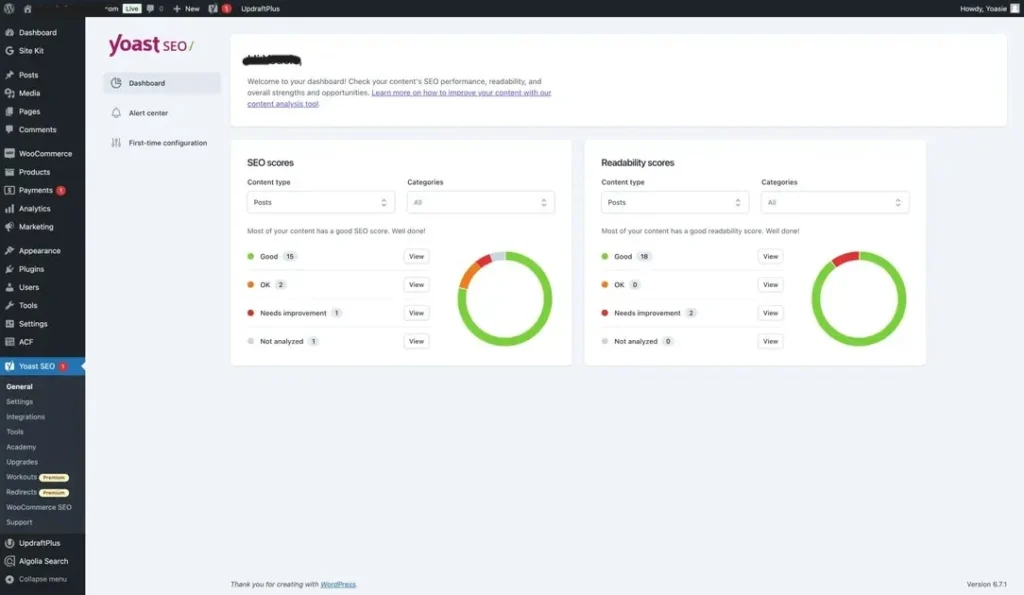
This plugin helps you:
- Optimize content for keywords
- Improve readability
- Manage meta tags
- Generate XML sitemaps
- Now you can generate LLMs for AI bots
This is best for beginners and professionals who want structured SEO guidance.
WP Rocket (Speed Optimization)
Speed is a ranking factor.
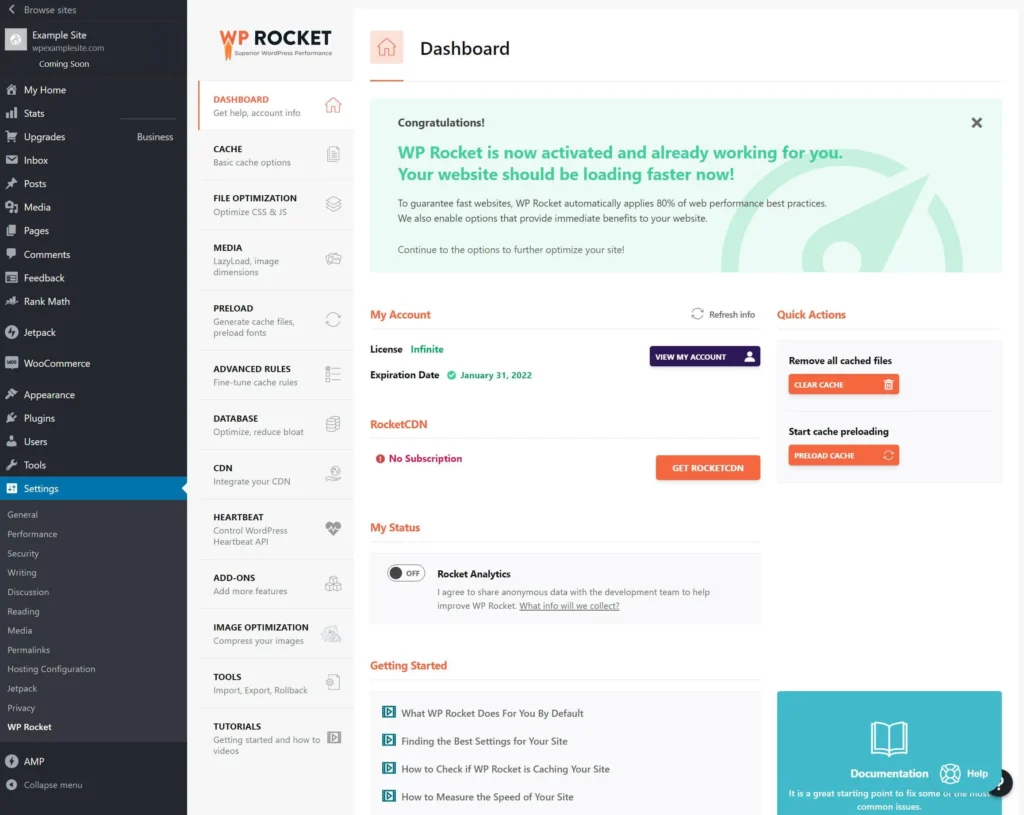
And WP Rocket helps you:
- Enable caching
- Reduce load time
- Optimize CSS and JS
- Improve Core Web Vitals
As a result, you get: Faster site = better rankings + lower bounce rate
Elementor (Design and UX)
Design impacts user experience.

Elementor allows you to:
- Create beautiful layouts
- Customize pages without coding
- Improve mobile responsiveness
Rank Math (Advanced SEO Alternative)
A powerful alternative to Yoast with advanced features.
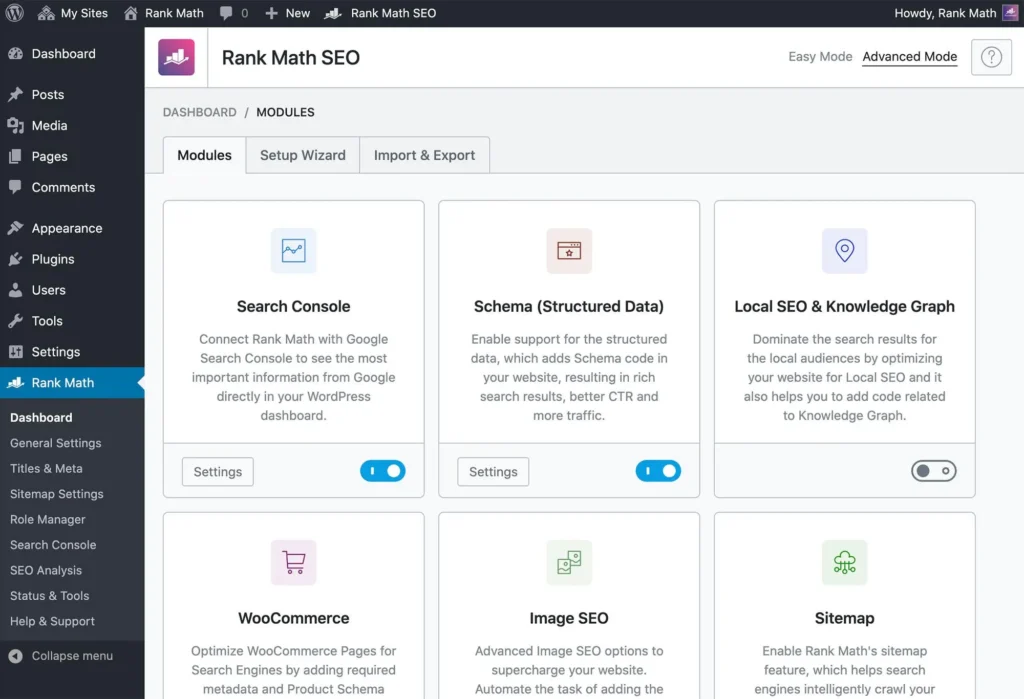
You get:
- Schema markup
- Keyword tracking
- Advanced SEO settings
Perfect for scaling blogs.
UpdraftPlus (Website Backup)
One mistake can break your site.
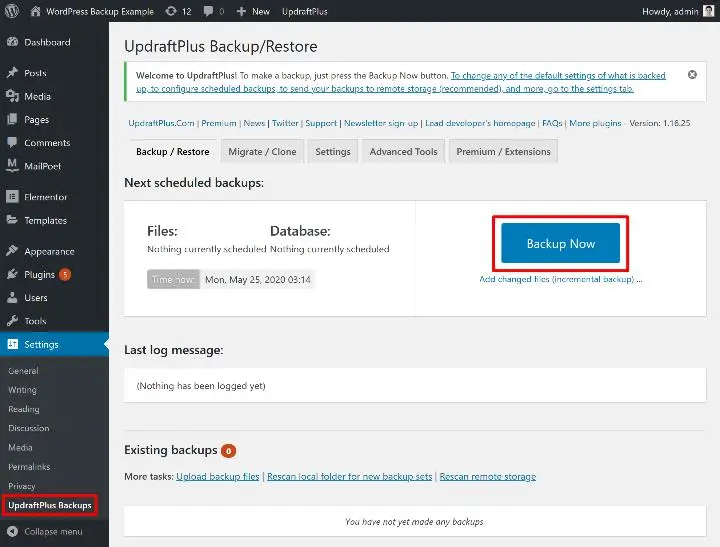
This plugin ensures:
- Automatic backups
- Easy restore
- Cloud storage integration
Wordfence (Security Protection)
Security builds trust.
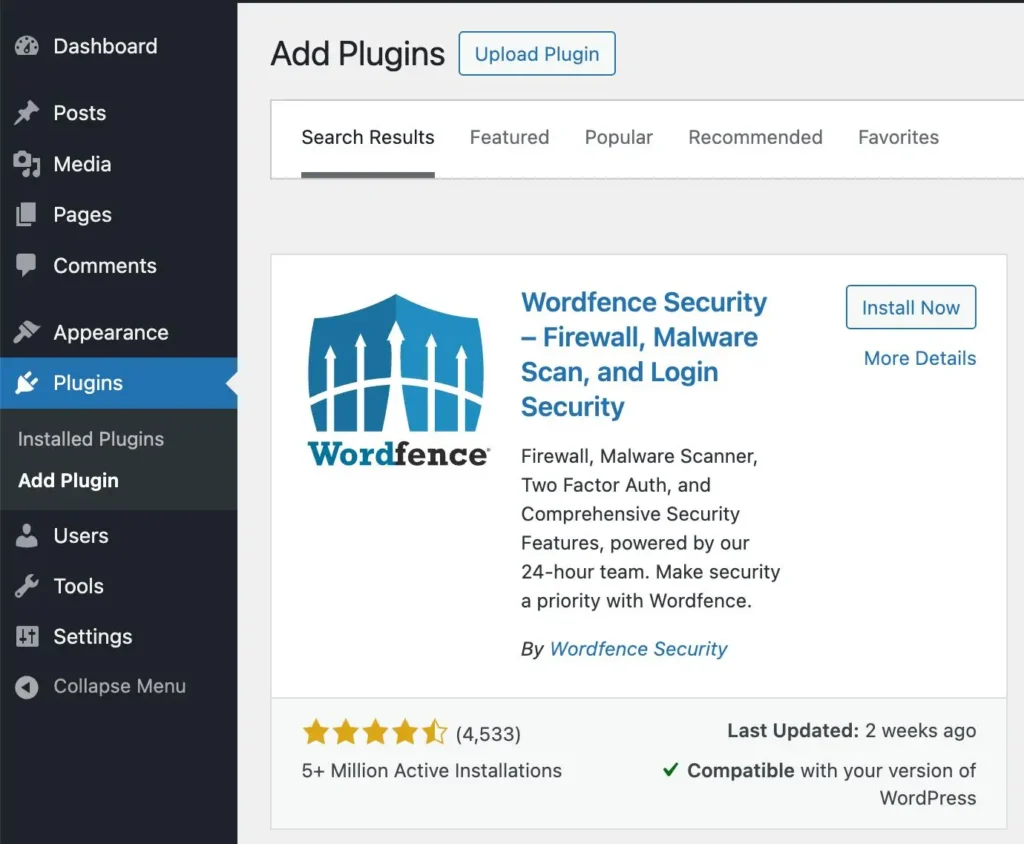
Wordfence protects your site from:
- Malware
- Hacking attempts
- Unauthorized access
Smush (Image Compression)
Images can slow down your site.
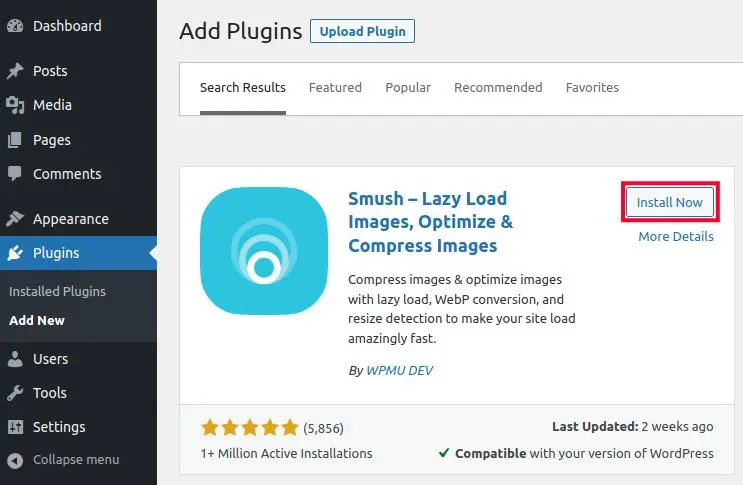
Smush helps you:
- Compress images
- Improve loading speed
- Enable lazy loading
Site Kit by Google (Website Analytics and Performance)
If you want real growth, you need data directly from the source. This plugin connects your website with Google’s powerful tools in one place, so you don’t have to guess what’s working.
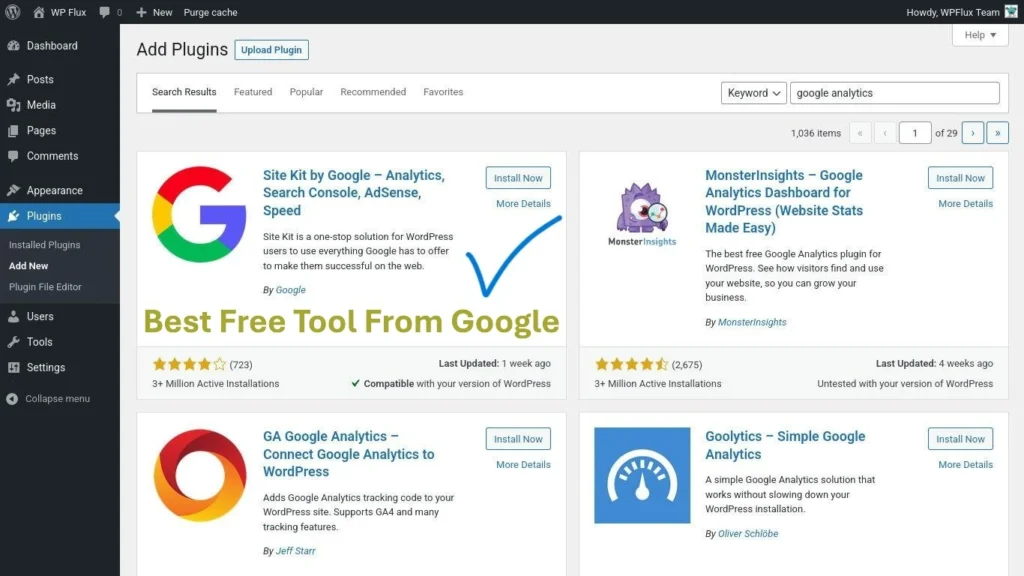
This plugin shows:
- Website traffic from Google Analytics
- Search performance via Google Search Console
- Page speed insights from PageSpeed Insights
- Earnings data from Google AdSense
It’s like having a full analytics dashboard built right into your WordPress without any complexity.
WPForms (Lead Generation)
Every blog should capture leads.
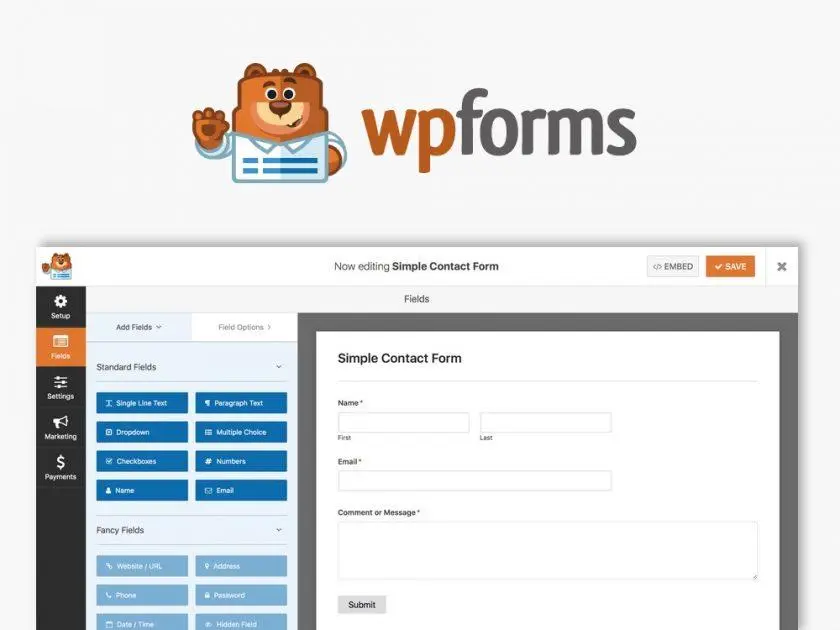
Using WPForms, you can create:
- Contact forms
- Newsletter forms
- Inquiry forms
LiteSpeed Cache (Free Speed Booster)
This is a free alternative to WP Rocket.
It improves:
- Site speed
- Server performance
- Cache efficiency
The ideal plugin stack (simple strategy)
If you want a clean, high-performing setup:
|
SEO |
Yoast or Rank Math |
|
Speed |
WP Rocket or LiteSpeed |
|
Security |
Wordfence |
|
Backup |
UpdraftPlus |
|
Design |
Elementor |
|
Analytics |
MonsterInsights |
|
Images |
Smush |
|
Forms |
WPForms |
That’s it. No need to install 30 plugins.
Common mistakes to avoid when installing plugins
- Installing too many plugins
- Using outdated plugins
- Ignoring speed optimization
- Skipping backups
- Not updating plugins regularly
It’s not about how many plugins you use.
It’s about choosing the right ones that actually improve your website’s speed and SEO.
Closing Thoughts
In 2026, your blog is not just content. It is a system and plugins are the backbone of that system.
The right setup will:
- Improve speed
- Increase rankings
- Enhance user experience
- Drive more conversions
Choose wisely. because performance is not built by effort alone, it is built by optimization.
I like how you emphasized that plugins should be chosen strategically rather than just stacking as many as possible. A lot of site owners overlook how even a few poorly optimized plugins can cancel out the benefits of caching or SEO efforts. It would also be interesting to consider how regularly auditing and removing unused plugins plays into long-term performance.