
Compare Blogger vs WordPress: Which Is Right for You?
Choosing the right blogging platform can shape your entire journey.
Pick the right one, and growth feels natural.
Pick the wrong one, and you’ll face limits, migrations, and lost opportunities.
Two names still dominate beginner decisions:
Blogger vs WordPress
Both are popular, and both can help you get started.
But they are built for very different goals.
Let’s break it down honestly so you can choose what truly fits you.
Main difference
Blogger is simple to use, free of cost, but has limited features and customization options.
On the other hand, WordPress is more powerful, flexible, and scalable, allowing you to grow and customize your website as much as you want.
That’s the entire comparison in one line, but the real decision depends on how serious you are.
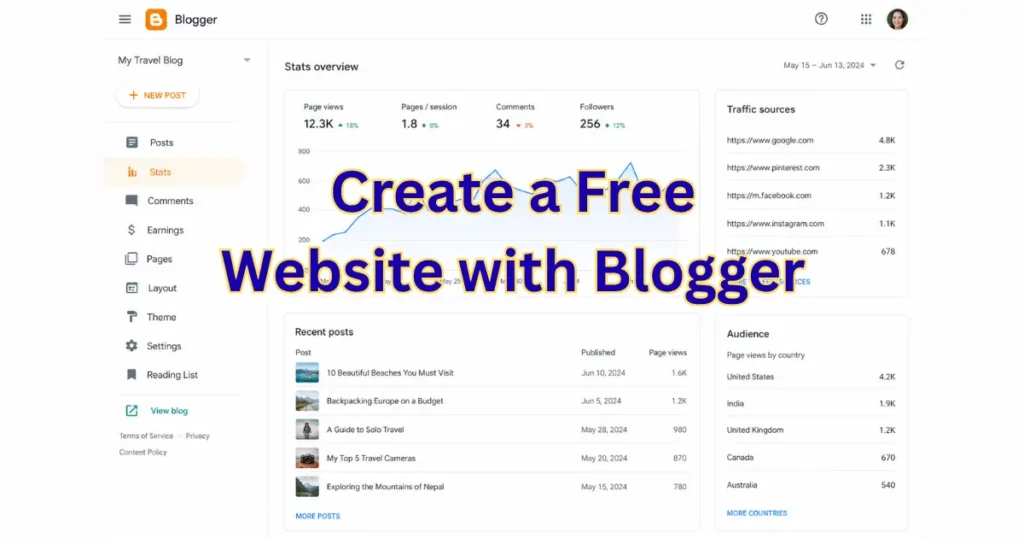
What if you start with Blogger?
Ease of use
- Extremely simple setup
- No hosting required
- Ready to publish in minutes
Customization and Design
- Limited themes
- Basic design control
- Hard to create advanced layouts
SEO Capabilities
- Basic SEO settings
- Limited control over optimization
- Hard to scale for competitive keywords
Ownership and Control
- Hosted by Google
- Limited control
- Risk of restrictions or policy issues
Monetization Options
- Basic monetization (Ads, affiliate links)
- Limited flexibility
Scalability
- Good for small blogs
- Not ideal for large growth
Cost Comparison
- Completely free
- No hosting cost
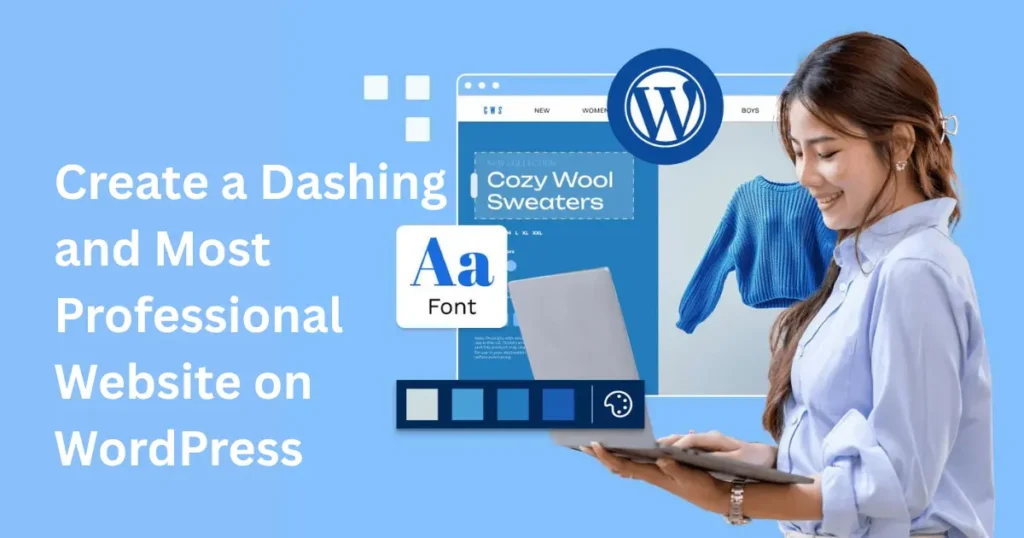
What if you start with WordPress?
Ease of use
- Requires hosting + setup
- Slight learning curve
- More control from day one
Customization & Design
- Thousands of themes
- Full customization
- Page builders like Elementor
SEO Capabilities
- Advanced SEO tools like Yoast SEO and Rank Math
- Full control over URLs, meta tags, schema
- Better performance for ranking
Ownership and Control
- You own your website
- Full control over data and content
- No platform dependency
Monetization Options
- Ads, affiliate marketing, courses, eCommerce
- Full monetization freedom
- Integration with tools like WooCommerce
Scalability
- Built to scale
- Supports high traffic and advanced features
Cost Comparison
- Hosting cost (low to moderate)
- Premium themes/plugins (optional)
Comparison: Blogger vs WordPress
|
Feature |
Blogger |
WordPress |
|---|---|---|
|
Ease of Use |
Very Easy |
Moderate |
|
Customization |
Limited |
Unlimited |
|
SEO |
Basic |
Advanced |
|
Ownership |
Limited |
Full Control |
|
Monetization |
Limited |
Flexible |
|
Scalability |
Low |
High |
|
Cost |
Free |
Paid (Affordable) |
The biggest mistake beginners make
They choose Blogger because it’s free. But later, when their blog grows, they realize:
- They need better SEO
- They need more control
- They need monetization options
And then comes migration. Which costs time, effort, and sometimes traffic.
So, which one is right for you?
Choose Blogger if:
- You are just testing blogging
- You don’t want to invest
- You only want a simple writing platform
Choose WordPress if:
- You are serious about blogging
- You want traffic and income
- You want full control and growth
My honest recommendation
I personally recommend starting with WordPress from day one. Many people think it requires heavy technical skills, but the reality is quite different. WordPress is beginner-friendly, and once you learn the basic setup and navigation, everything starts feeling simple and manageable. Yes, you may need a little time in the beginning to understand the basics, but that small effort pays off big in the long run.
With WordPress, you’re not just creating a blog, you’re building a brand. You get full control, better customization, and the ability to scale your website into something much bigger, whether it’s a business, portfolio, or income source. It gives you the freedom to grow without limitations, which is something every serious creator needs.
If your goal is just casual blogging, Blogger can work. But if you truly want to build something valuable and long-lasting, WordPress is the smarter choice from the start.
And if you feel stuck with designing or setting up your WordPress website, don’t worry. Your brother is here to help you. Just contact me on WhatsApp using the button available on the website screen, and let’s build something powerful together.
Closing Thoughts
This is not just a platform decision. It is a growth decision.
👉Blogger helps you start.
👉WordPress helps you scale.
And in 2026, the bloggers who win are not just writers. They are builders.
READ MORE: Best Website Builder – Professional website design that drives real business growth